Problem
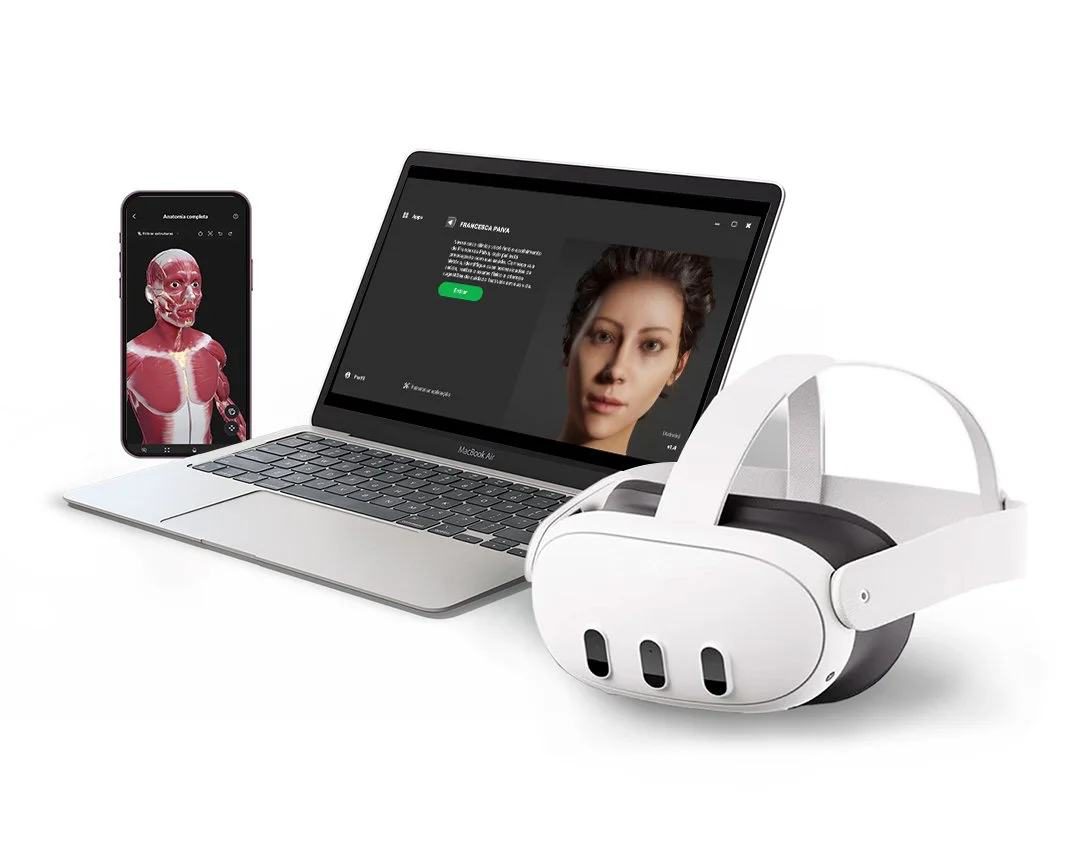
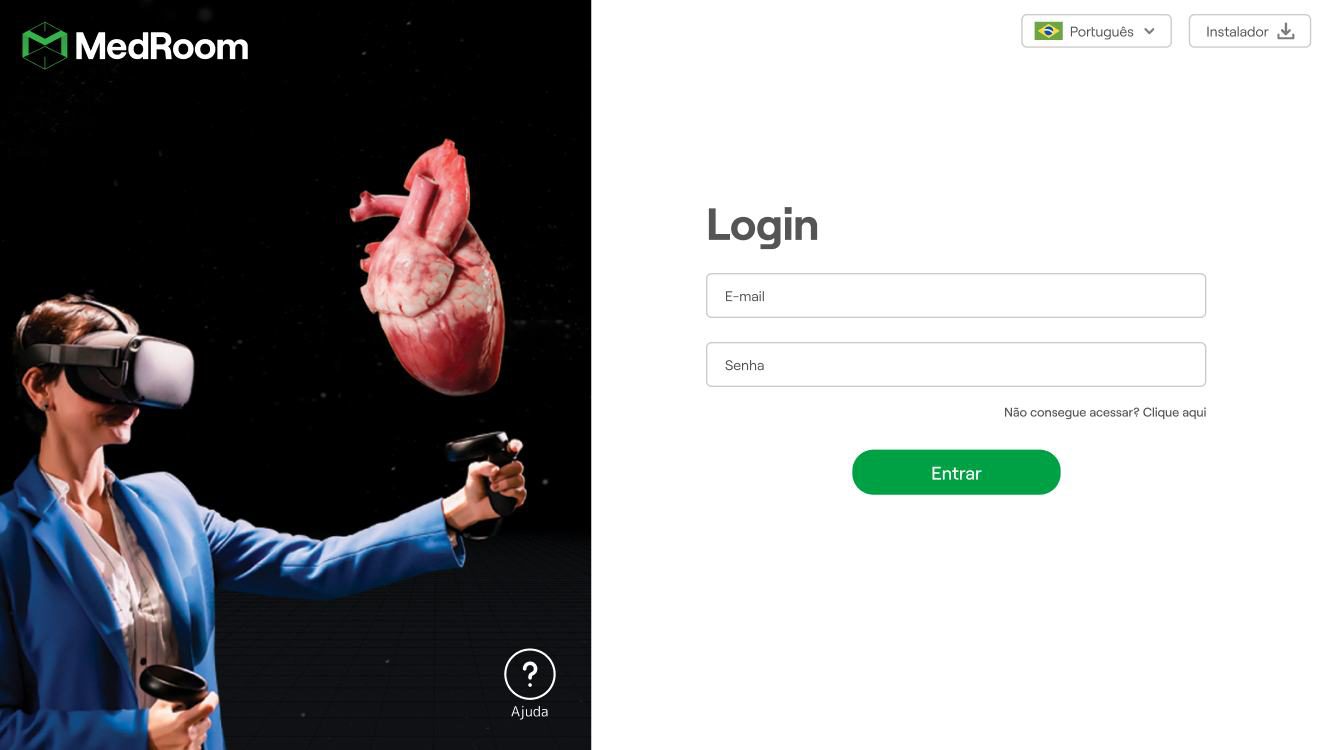
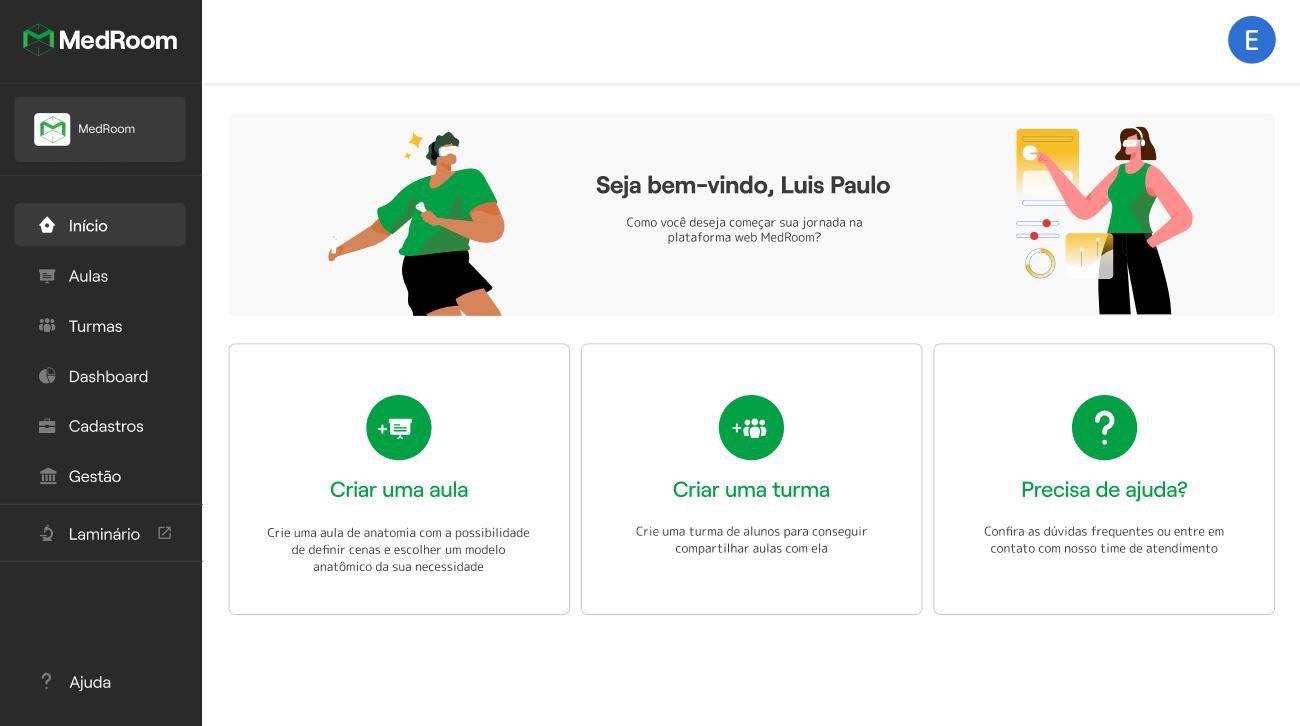
The web interface was built to give teachers the ability to design their own lessons for the immersive VR environment, turning them into creators of custom 2D/3D content. The journey covered creating classes and lessons, which allowed a script combining image, video, audio, quiz and a custom selection of 3D anatomical structures.
The biggest challenge was designing an experience that wouldn’t feel like yet another burden in a teacher’s daily list of responsibilities. Low friction while learning the tool, an intuitive interface familiar from other platforms, and clarity about how the content would be consumed in VR were the development priorities.
Process
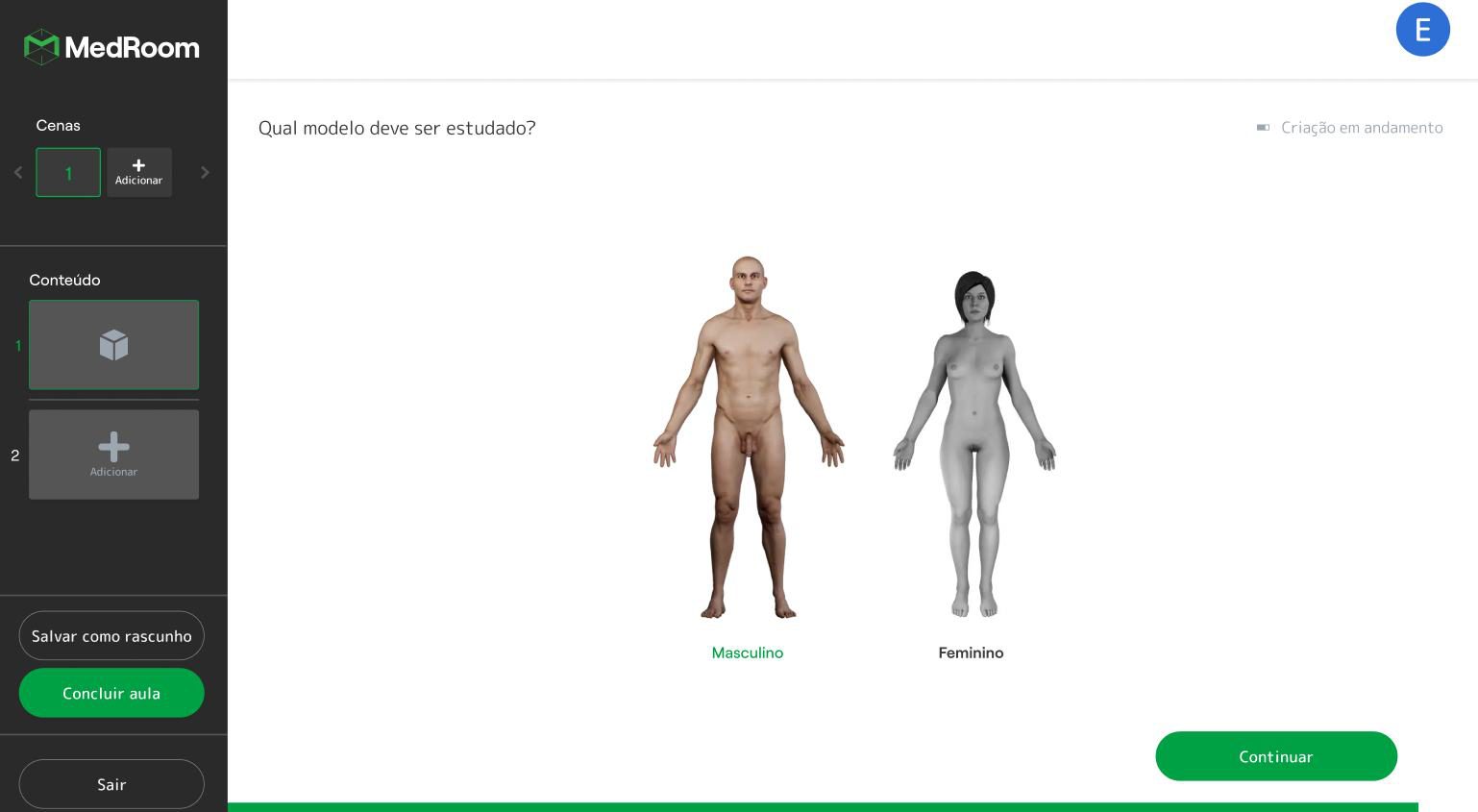
The web interface was co-created with the teaching staff of the institutions. Through interviews and observation of their academic routines, we proposed an experience that fit into the digital universe they already knew. After mapping teacher profiles, we used PowerPoint as a reference, proposing a slide-based creation structure. This gave teachers an alternative way to present a class, but with an integrated 3D anatomical structure that could be viewed and studied dynamically — in class and across the other platforms available to students.
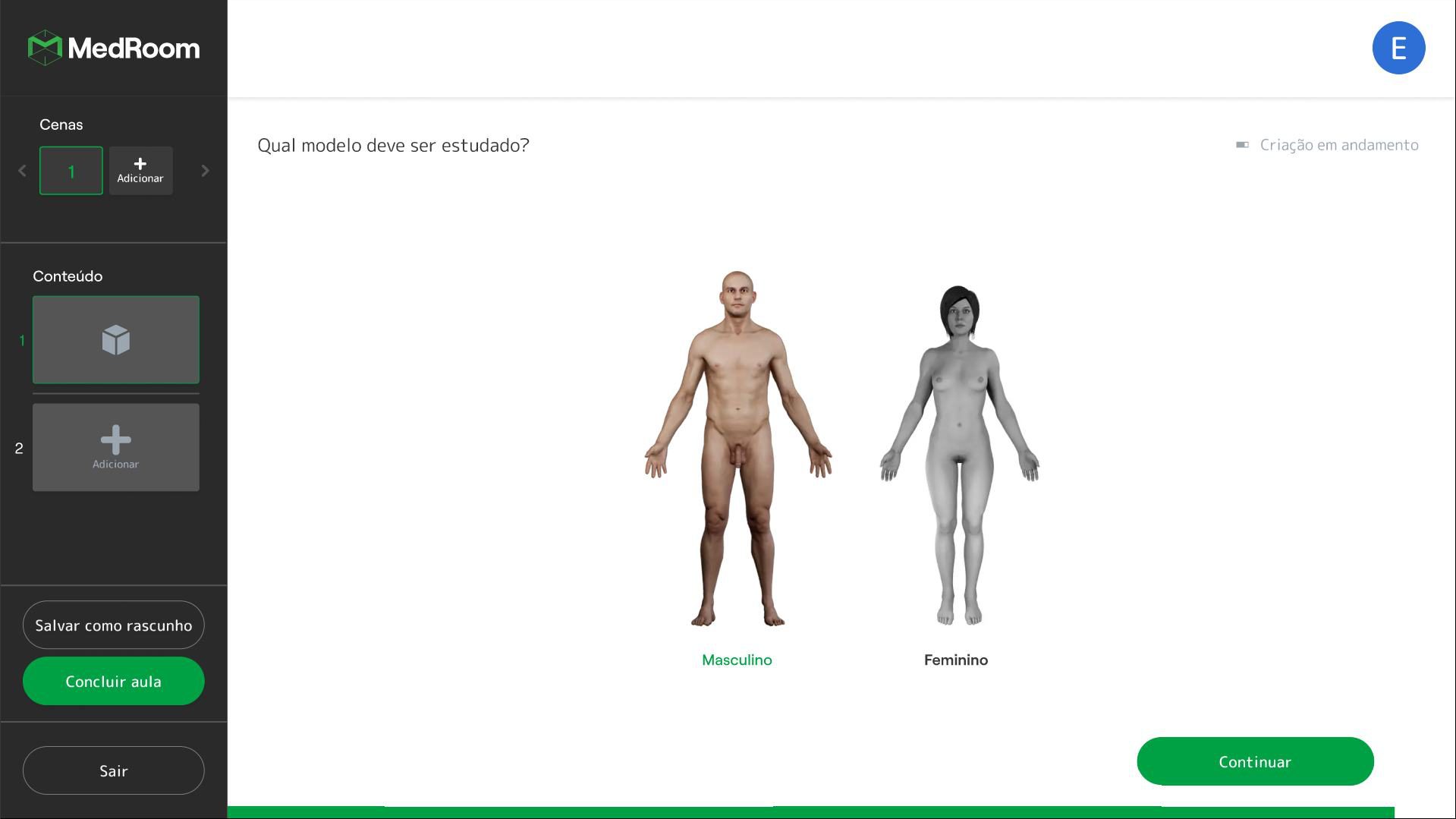
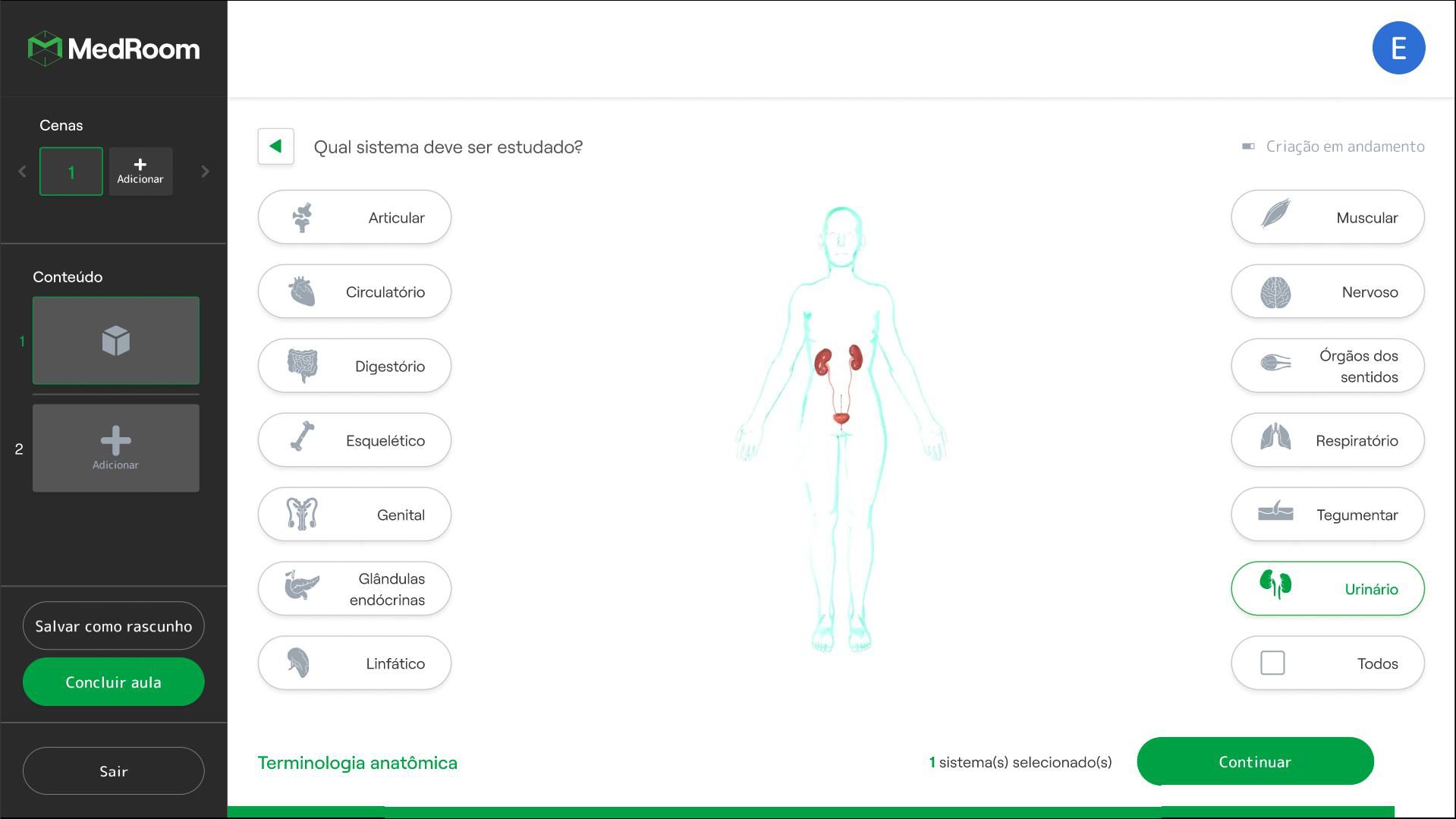
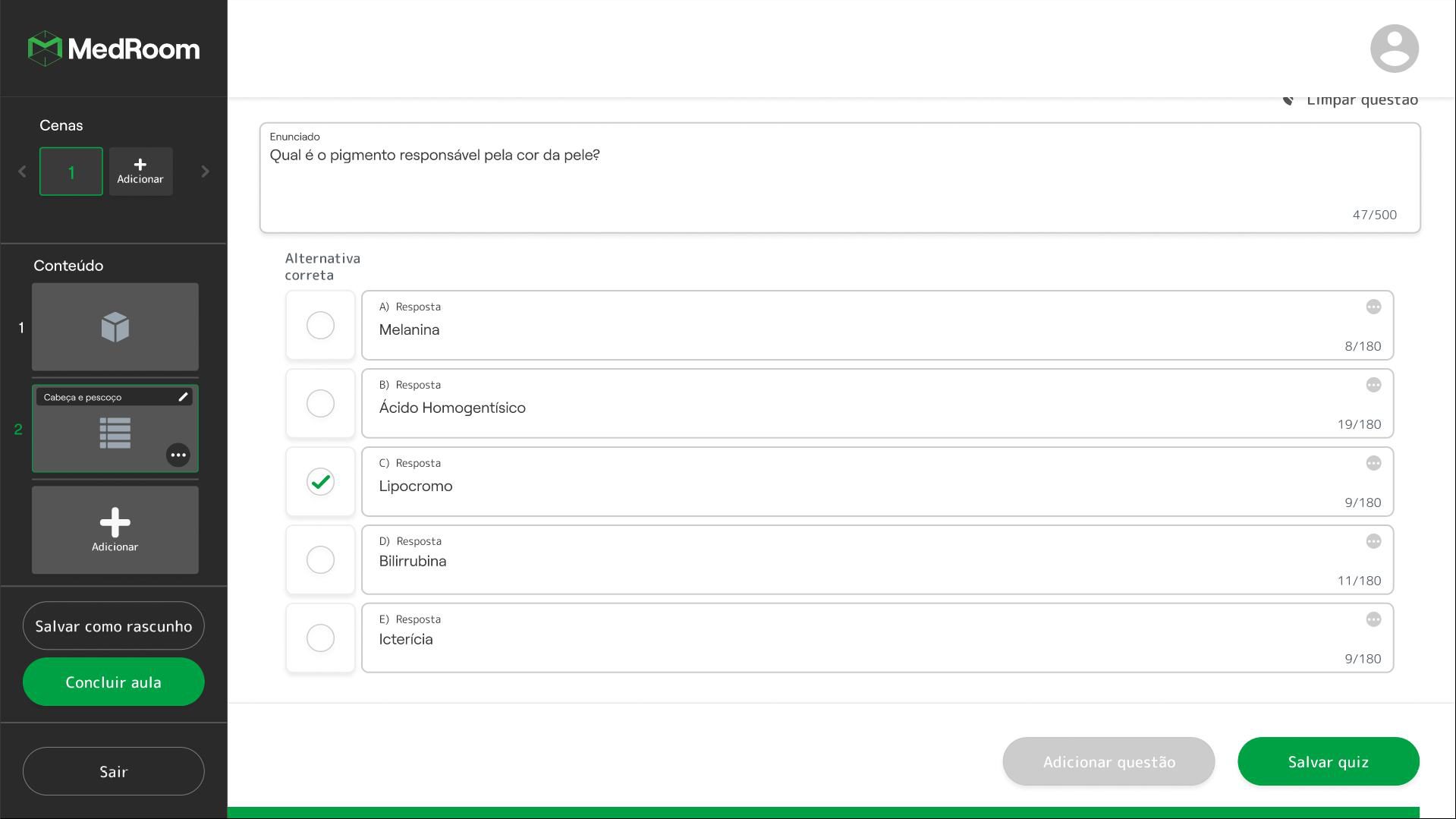
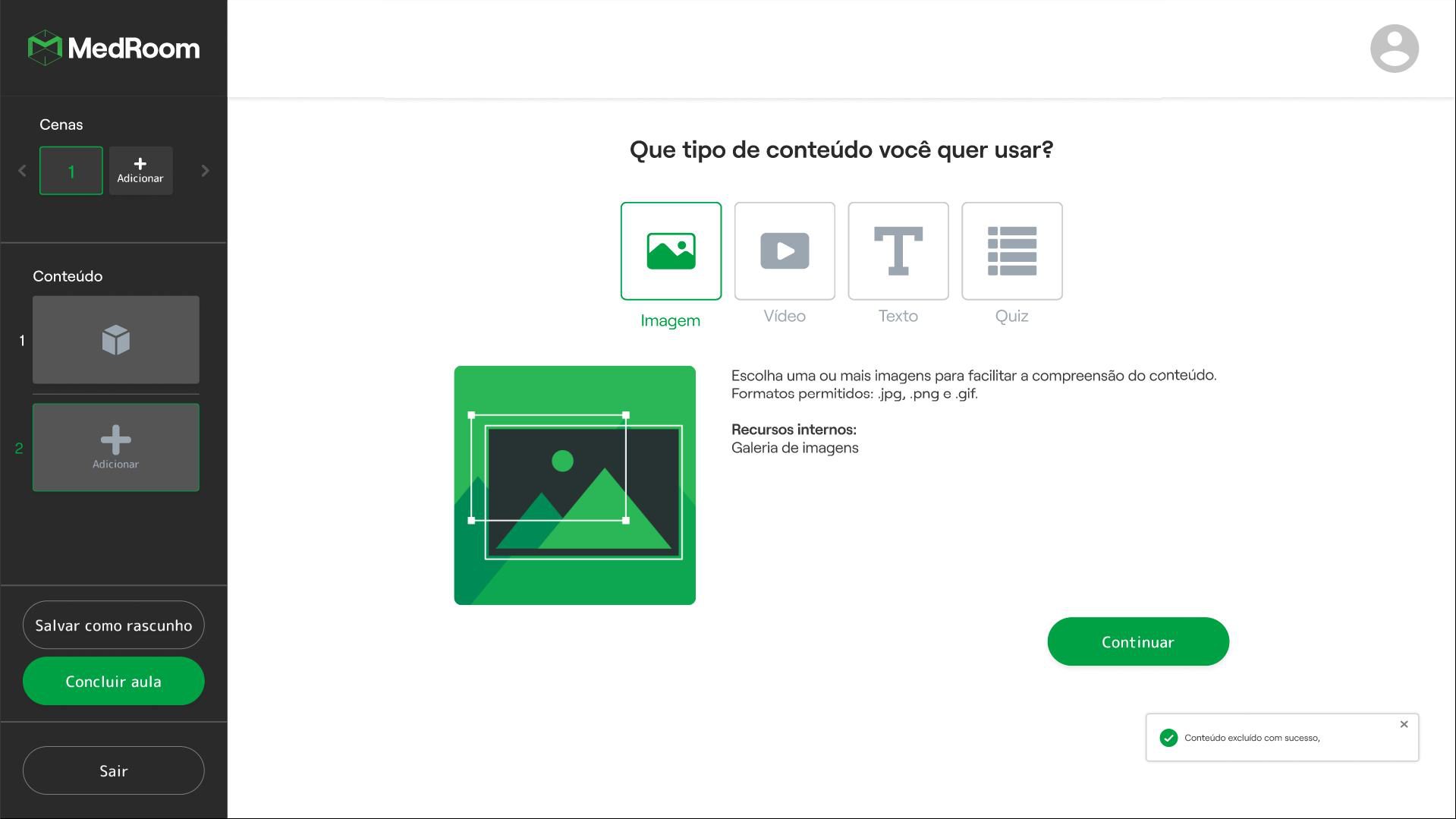
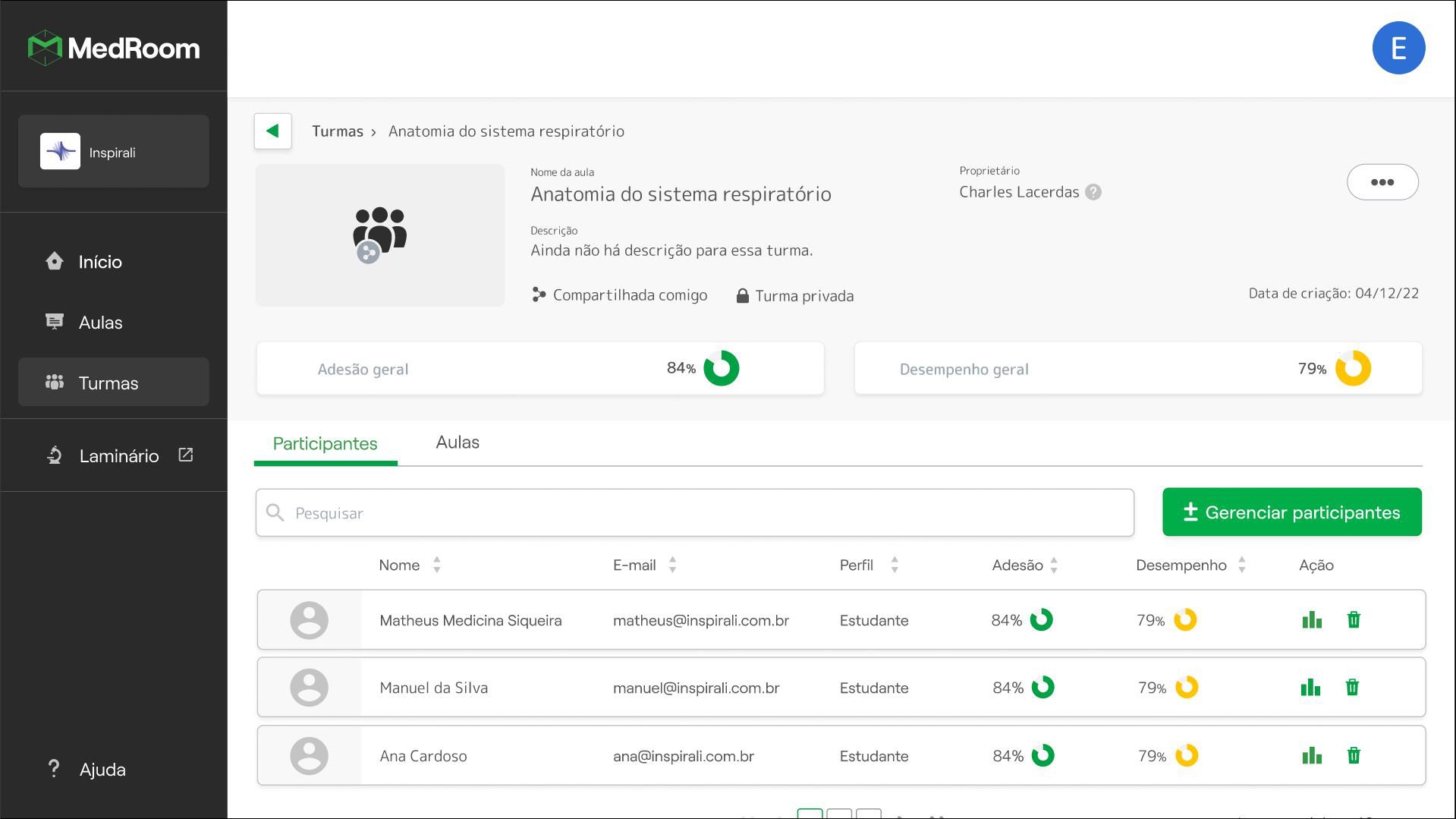
The project’s greatest complexity lay in the information architecture and in naming specific functions. The sheer number of anatomical parts that could be chosen and merged to assemble the human body demanded extra care in filtering and presenting that information, in order to cut lesson-building time. The solution came through logical groupings and content previews, alongside close support as teachers came to understand the tool.
Learnings
Teachers live inside an ecosystem of responsibilities and obligations that is not necessarily optimised or efficient, demanding more work to reach their goals. When implementing a new tool, dedicated support is essential to secure adoption, along with alignment from the coordination itself. When it comes to technology, more traditional teachers may feel cornered, fearful, insecure or reluctant — constant assistance is what makes the system permeable. Infrastructure problems, such as the absence of computers or VR systems, can limit both use and confidence with the equipment. An accessible, responsive system is critical to keeping access democratic.
Results
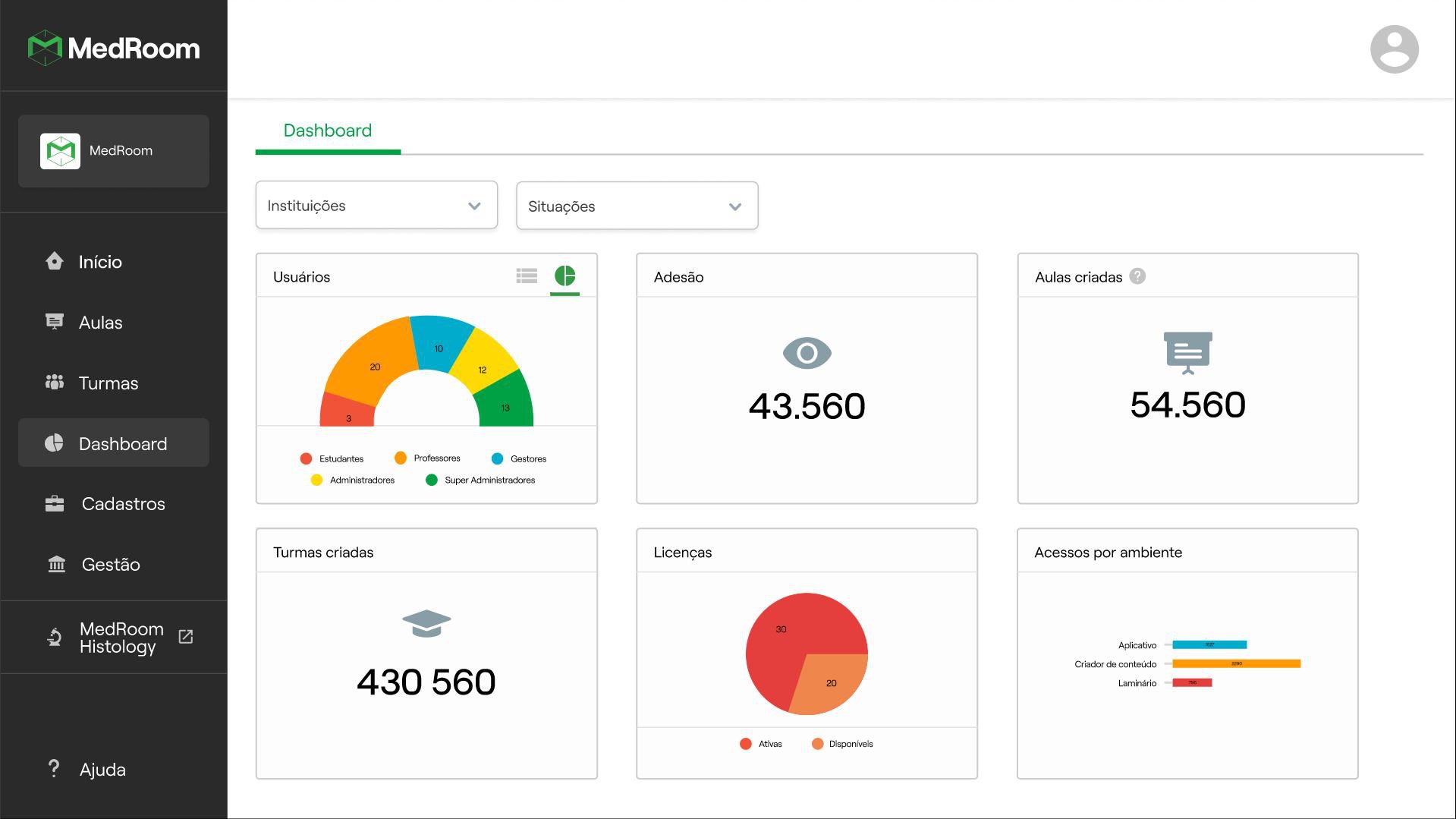
Measured by adoption and perceived value, results depend on building an environment — together with the course’s infrastructure — that defines what success means. 46% of teachers used the tool to complement their classes, whether to reach for images of anatomical structures or to build their lessons in virtual reality.